Client messaging that stays next to the files it's about
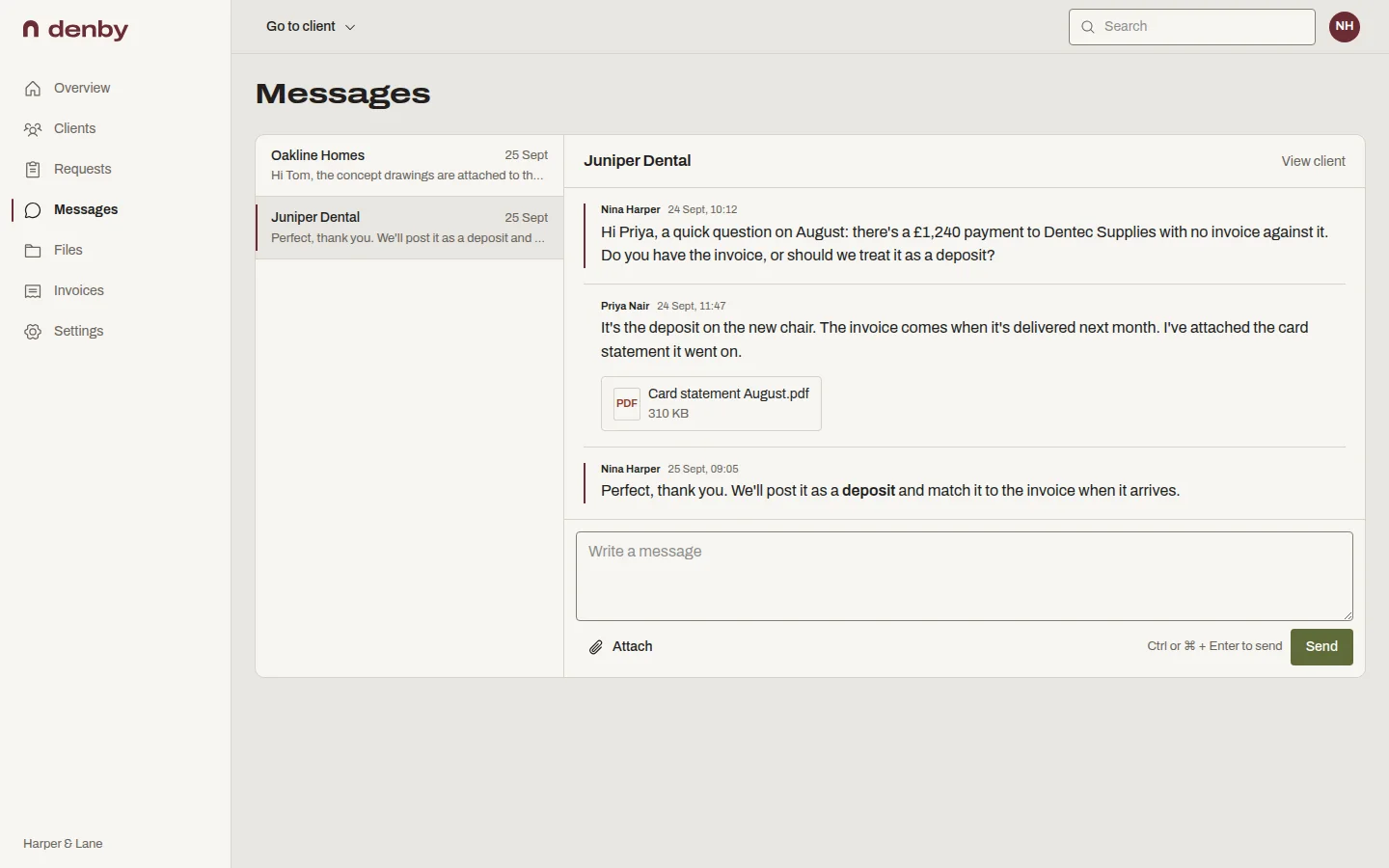
Denby gives each client one conversation with your firm, plus separate threads for projects when you need them. Messages sit on the client's page beside their files and requests, show when they've been read, and email the other side with the text and a link, so nothing lives only in an inbox.
What you can do with it
One thread per client, by default
Everything you and the client say is in one place, in order, with the files you mentioned attached to the message that mentions them.
Project threads when one isn't enough
Start a separate conversation for a project or an engagement so the brand refresh and the website rebuild don't tangle.
Read receipts, for both sides
See when the client opened your message. Unread client messages are flagged in your sidebar until someone on your team reads them.
Email notifications with the words in them
The client gets the message text in the email and one button back to the portal. Replies go through the portal, so the record stays complete.
Who this is for
- Client portal for agencies
Feedback on drafts without a 40-message email chain.
- Client portal for consultants
Questions and answers kept with the engagement.
- Client portal for designers
Rounds of comments next to the concepts they're about.
Questions people ask
Can clients reply by email?
Not yet. Notification emails say plainly that replies to the email aren't delivered and give a button to the conversation. That keeps every message in the record your whole team can see, rather than in one person's inbox.
Can I attach files to a message?
Yes. You and the client can attach a file to any message. It is stored with the client's other files, scanned for viruses like every upload, and appears in their file list as well as in the conversation.
Who on my team sees client messages?
Everyone in your firm with access to that client sees the conversation. Each person chooses whether to be emailed about new messages in their own notification settings, so the right person replies without everyone's inbox filling up.